Training professionals having to learn complex film industry software for a simple cutting or splicing operation.
Raw screen recordings can be distracting for the viewer; cursor movements, clicks, or key areas cannot be highlighted.
The operational burden of switching between three different software programs for screen recording, audio cleaning, and video editing.

Camtasia blends screen capture and professional video editing into a single, seamless process. It brings your mouse movements to life with cinematic fluidity, adds text animations, and cleans up background noise or silence in seconds with AI-powered tools.

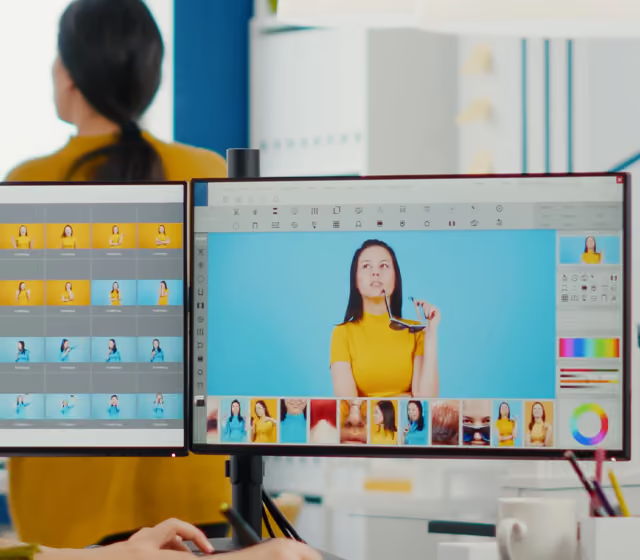
Templates and ready-made media libraries can cut the time it takes to launch in-house software training from scratch.
Dynamic zoom (zoom-n-pan) and videos enriched with visual highlights significantly increase viewer retention compared to standard recordings.
Get your Camtasia licensing quote today to transform dull, raw recordings into professional corporate training materials.