

Zoom Is No Longer Just Video Conferencing
For many people, the word Zoom still means one thing: video conferencing.
That was certainly the capability that made Zoom globally recognized. But Zoom has evolved significantly.
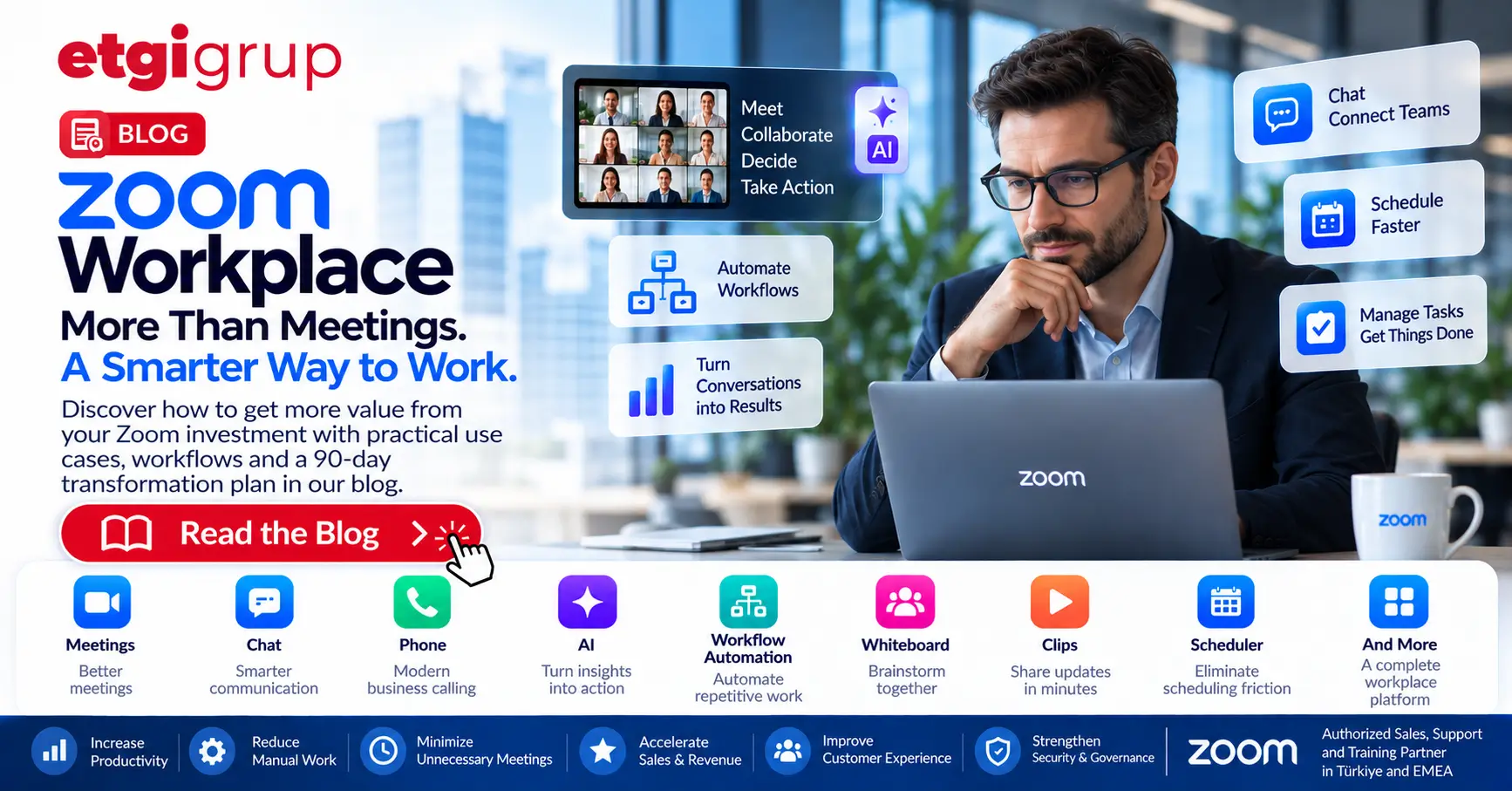
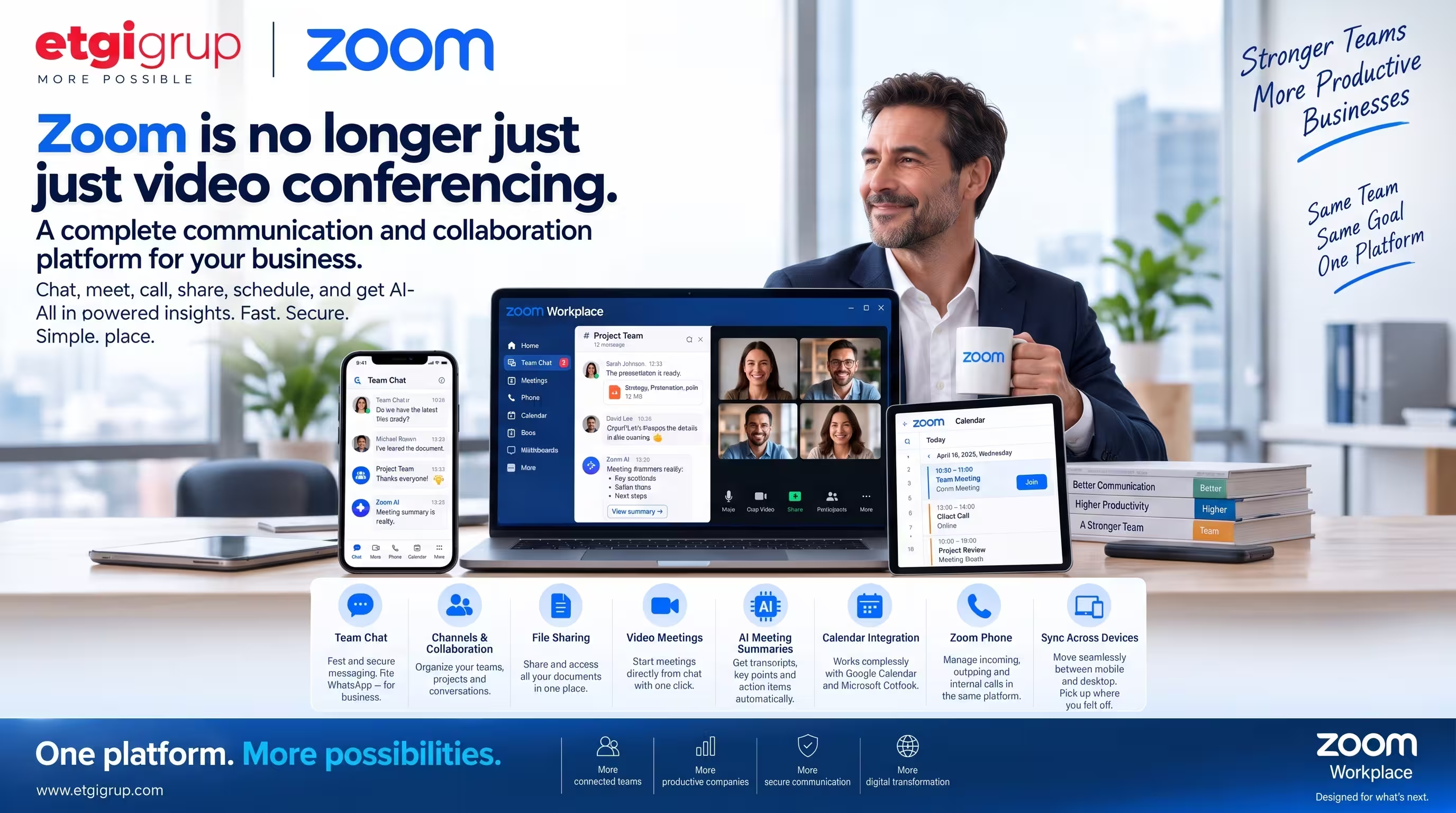
Today, Zoom Workplace brings meetings, team messaging, business phone, scheduling, documents, collaboration and AI-powered productivity capabilities together within a connected workplace platform.
As both a CEO and an active Zoom user, and through ETGi Group’s work with Zoom, I see this evolution from a very practical perspective.
The real value is no longer simply the ability to hold a high-quality video meeting. The bigger opportunity is to simplify the way an organization communicates every day.
Why Do Companies Need So Many Communication Applications?
Think about a typical working day.
Employees may use one application for instant messaging, another for video meetings, another for business calls, another for calendars, and additional tools for documents, meeting notes and collaboration.
The result can be fragmented communication. A conversation starts in one application. The meeting takes place somewhere else. Documents are shared through another system. Action items may be written down somewhere else - or sometimes forgotten completely.
Zoom Workplace aims to bring much of this workflow into one connected environment.
Instead of thinking about Zoom simply as a meeting application, organizations can increasingly think of it as a workplace communication and collaboration platform.
1. Business Messaging with Zoom Team Chat
One of the capabilities that companies sometimes overlook is Zoom Team Chat.
The experience provides the familiarity of modern messaging applications while being designed for workplace collaboration.
Employees can communicate directly, create channels for teams or projects, share files and continue conversations before and after meetings.
For companies currently relying heavily on consumer messaging applications for internal communication, this can be particularly interesting. Business conversations can remain closer to the rest of the organization’s communication workflow.
2. Move From Chat to a Meeting
Sometimes messaging is enough. Sometimes five minutes of conversation can solve something that would otherwise require dozens of messages.
With Zoom Workplace, users can move naturally between messaging and meetings. A team can discuss an issue in chat and then quickly start a Zoom Meeting when a real-time conversation becomes more productive.
Afterwards, the discussion can continue within the team’s communication environment.
This may sound like a small convenience, but multiplied across hundreds or thousands of employees, reducing these everyday workflow steps can make a meaningful difference.
3. AI Is Changing What Happens After Meetings
Perhaps one of the most important developments in modern workplace communication is the integration of AI into meetings and daily workflows.
Zoom AI Companion can help users work with meeting information, including capabilities such as meeting summaries and identifying key discussion points and next steps, depending on the organization’s Zoom configuration and licensing.
What exactly did we decide in that meeting?
Traditionally, somebody had to take detailed notes and distribute them afterwards. AI can increasingly help turn conversations into structured information that teams can use after the meeting.
The meeting therefore becomes more than a temporary conversation. It becomes part of the organization’s accessible working knowledge.
4. Google and Microsoft Calendar Integration
A communication platform also needs to fit into the tools employees already use.
Zoom can integrate with widely used calendar environments such as Google Calendar and Microsoft Outlook, helping users organize and join meetings within their existing workflows.
For employees, this means fewer unnecessary steps.
Good technology should remove steps from the working day - not add new ones.
5. Zoom Phone Brings Business Telephony Into the Same Ecosystem
For organizations looking to modernize their communications further, Zoom Phone extends the Zoom environment into cloud-based business telephony.
Organizations can manage business calling alongside meetings and messaging within the broader Zoom ecosystem.
This creates an important strategic opportunity. Instead of treating telephony, video conferencing and digital collaboration as completely separate infrastructures, companies can consider a more unified communications architecture.
6. Work Across Mobile and Desktop
Modern work does not happen exclusively at a desk.
Employees move between offices, homes, airports, customer locations and mobile environments throughout the day.
Zoom’s mobile and desktop applications help users move between devices and maintain continuity in their communication experience.
You may start your working day on a smartphone and continue later from your computer. The technology adapts to where you are working rather than forcing your work to adapt to the technology.
From Video Conferencing to Unified Communications
This evolution changes how companies should evaluate Zoom.
The question is no longer simply: “Which platform should we use for video meetings?”
A broader question is becoming increasingly relevant: “How can we simplify our organization’s communication and collaboration infrastructure?”
- Video meetings and webinars
- Team messaging and channels
- Business telephony
- AI-assisted meeting productivity
- Calendar and scheduling
- File and document collaboration
- Mobile and desktop communication
- Internal and external collaboration
Bringing these capabilities closer together can reduce fragmentation and create a more consistent employee experience.
The CEO Perspective: Technology Must Be Practical
As a CEO, I look at technology slightly differently.
A product may have hundreds of sophisticated capabilities, but those capabilities have limited value if employees find the system difficult to use.
Adoption matters. Every additional application also potentially introduces another interface to learn, another login, another workflow and another piece of infrastructure for IT teams to manage.
That is why simplicity and practicality are strategic features, not merely user-experience details.
The best technology does not make an organization more complicated. It removes unnecessary steps. And this is one of the reasons I believe Zoom’s evolution beyond video conferencing deserves attention.
Zoom Workplace with ETGi Group
As a Zoom partner, ETGi Group helps organizations evaluate and implement Zoom solutions according to their communication requirements.
Depending on the organization’s needs, this can include solutions across the Zoom ecosystem such as Zoom Workplace, Zoom Meetings and Zoom Phone, as well as related communication and collaboration requirements.
Rather than simply purchasing licenses, organizations should first ask: “Which communication tools are we currently using, where are they fragmented, and which of these workflows could be consolidated?”
That is where the real transformation begins.
One Platform. More Possibilities.
Zoom started by making video communication remarkably simple. Today, its ambition is much broader. Messaging. Meetings. Phone. AI. Scheduling. Collaboration.
Instead of switching constantly between disconnected applications, businesses can increasingly bring their communication workflows together.
And sometimes the most important innovation isn’t adding another tool. It’s needing fewer tools to get the job done.
Call to Action
Is your organization still using separate platforms for messaging, meetings, business calls and collaboration? ETGi Group can help you evaluate how Zoom Workplace and Zoom Phone can fit into your existing communication infrastructure and identify opportunities to simplify your digital workplace. Contact ETGi Group to discuss the right Zoom architecture for your organization.
Request a Free Analysis