

Your Company Has Purchased Zoom. Are You Really Getting the Full Value from It?
A Comprehensive Zoom Workplace Usage Guide for Enterprises
A company purchases Zoom licenses and deploys Zoom Workplace to every employee’s computer and mobile device. What happens next?
If employees use Zoom a few times a week for video meetings, share their screens, and close the application when the meeting ends, the organization may be using only a fraction of the value available from its investment.
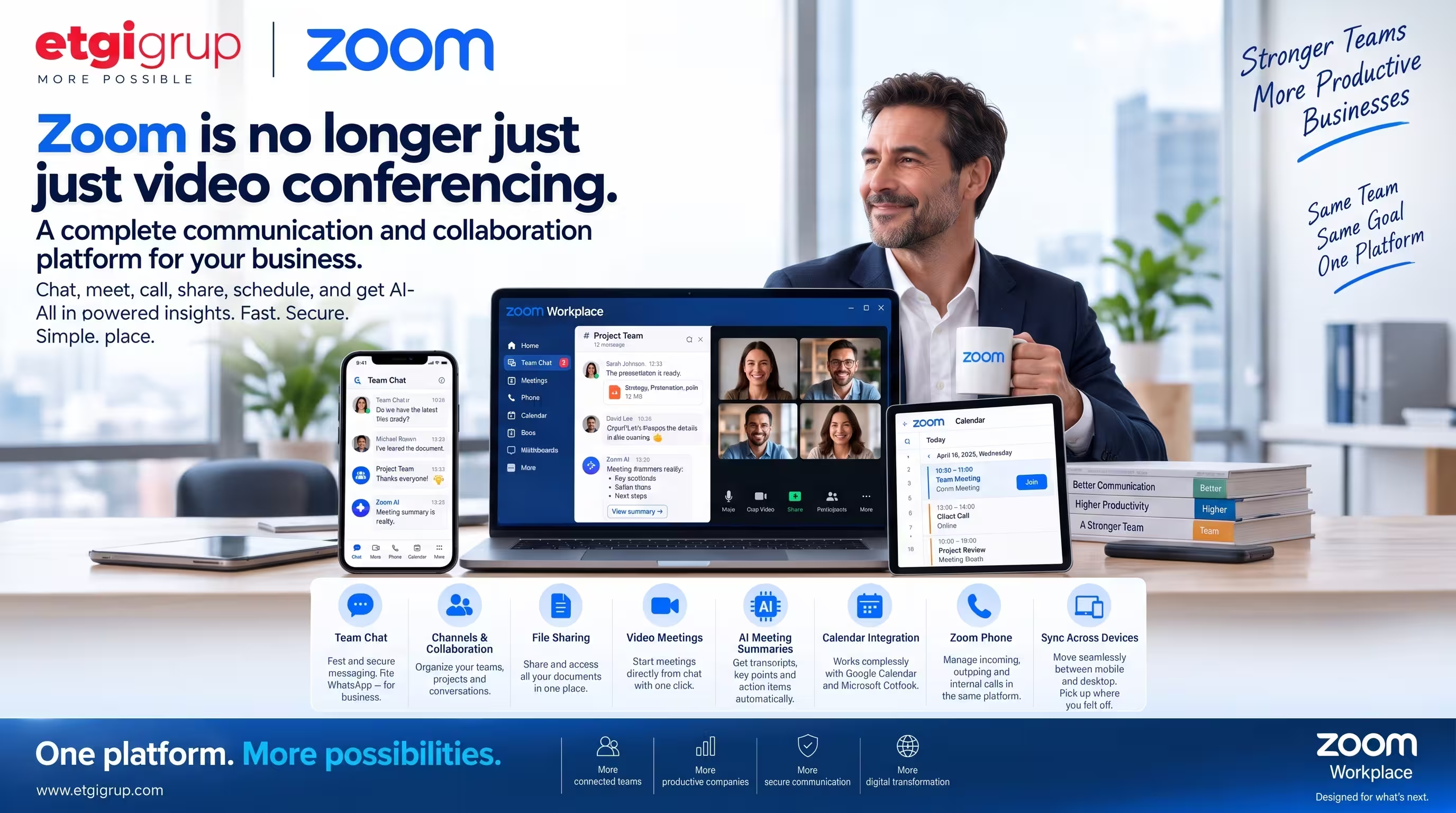
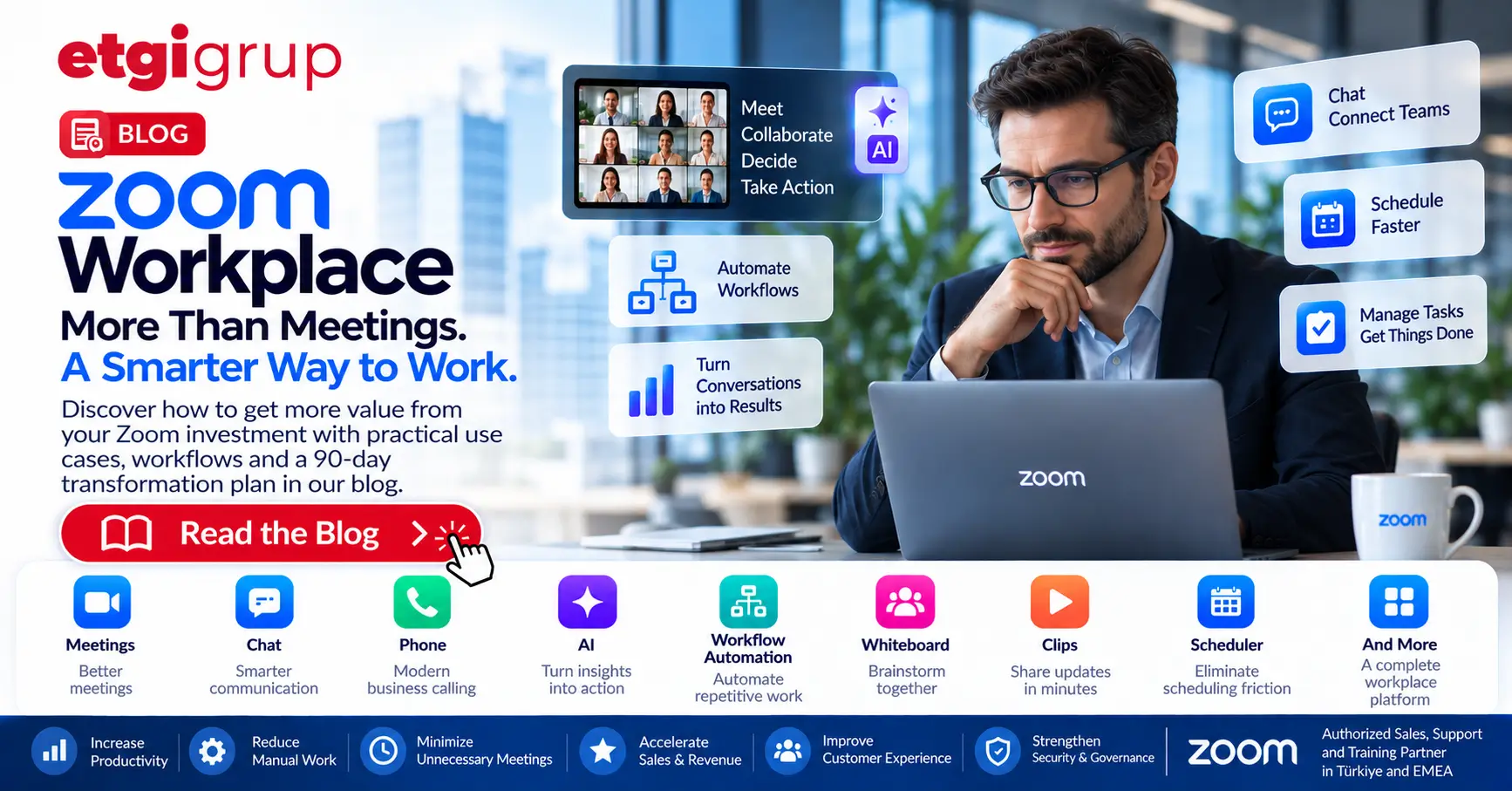
Zoom is no longer simply a video conferencing application. Zoom Workplace brings together Meetings, Zoom Chat, Phone, Mail & Calendar, Scheduler, Docs, Whiteboard, Clips, Hub, Video Management, Tasks, Rooms, Workspace Reservation and other productivity capabilities. With Zoom AI, Workflow Automation, and solutions such as Zoom Contact Center and Revenue Accelerator, it can become a much broader digital workplace platform.
The real question is therefore not “How can we run more Zoom meetings?” but “How can Zoom help our organization work more effectively?”
1. Think of Zoom as a Workplace, Not Just a Meeting Tool
The traditional workflow in many organizations looks like this: Email → Calendar → Zoom Meeting → Notes → Email → WhatsApp → Spreadsheet → Task → Another Meeting.
Information constantly moves between applications. This creates friction, wastes time and fragments corporate knowledge. A more integrated model can be: Zoom Chat → Meeting → AI Summary → Decision → Task → Workflow → Follow-up → Corporate Knowledge.
The objective is not to spend more time inside Zoom. It is to reduce application switching, manual work and information loss while accelerating execution.
2. Make Zoom Chat a Core Internal Communication Layer
Many employees simultaneously use email, WhatsApp, phone calls, Teams, other messaging applications and Zoom Meetings. Months later, teams often ask: “Where did we discuss this?”
Zoom Chat can be structured around departments, projects and customers. Examples include Company Announcements, General, HR and IT Help; Sales, International Sales, Leads and Sales Wins; project-specific channels; and Management or Executive Team spaces.
A simple communication standard helps: one-person topic → Direct Message; team topic → Channel; discussion or decision required → Meeting; final decision → Channel and/or Task. Over time, communication becomes searchable organizational memory rather than disposable messaging.
3. Treat Every Meeting as a Full Lifecycle
A productive meeting has three phases. Before the meeting: purpose, agenda, documents, questions and preparation. During the meeting: discussion, screen sharing, Whiteboard, AI and decisions. After the meeting: summary, decisions, action items, owners, deadlines and follow-up.
Continuous meeting chat can keep the conversation, files and context alive after the live meeting ends. The goal is to move from “meeting ended, information disappeared” to “meeting ended, execution started.”
4. Make Zoom AI an Active Part of Meetings
Employees often try to listen and take notes at the same time. AI can change that pattern. Someone joining late can ask what has been discussed so far. Afterward, users can ask for key decisions, personal action items, customer requirements or next steps.
The purpose is not to delegate judgment to AI. It is to free people from routine note-taking so they can focus on thinking, discussing and deciding.
5. Move from Manual Meeting Minutes to AI Summaries
In many organizations, a one-hour meeting is followed by another 15–20 minutes of manual note preparation and email distribution. A significant part of this can be accelerated with AI-generated summaries, key decisions, action items and next steps.
Employees should review and correct AI output when necessary, then convert it into action.
6. Give Every Action Item an Owner and a Deadline
One of the most dangerous sentences in meetings is: “Let’s do this.” Who will do it? By when? How will it be tracked?
Use a simple WHAT + WHO + WHEN standard. Instead of “Prepare the new landing page,” write “Ayşe → Manufacturing Landing Page V1 → October 5.” The objective is to turn discussion into accountable execution.
7. Automate Repetitive Work with Zoom Workflow Automation
Workflow Automation is one of the most important areas for expanding Zoom Workplace beyond communication. Organizations can build processes using triggers, actions, conditions and integrations across Zoom and supported third-party applications.
Sales Lead Workflow: New Lead → Sales Channel → Assign Salesperson → Meeting → AI Summary → Follow-up Task → CRM → Next Action.
Meeting Follow-up Workflow: Meeting Ends → AI Summary → Action Items → Task → Owner → Deadline → Reminder.
HR Approval Workflow: Employee Request → Manager Approval → HR → Approve/Reject → Employee Notification.
IT Support Workflow: IT Request → Category → Responsible Team → Owner → Resolution → User Notification.
Employee Onboarding Workflow: New Employee → Welcome Message → Add to Channels → Documents → Training → Orientation Meeting → Onboarding Tasks.
With automation, Zoom can evolve from a place where people communicate into a platform that also helps work move forward.
8. Do Not Schedule a Meeting for Everything: Use Zoom Clips
If eight people attend a 30-minute meeting for something one person could explain in five minutes, the organization spends four hours of collective employee time.
A developer can demonstrate a new feature in a six-minute Clip. Sales can explain a customer requirement in five minutes. A manager can share a weekly update asynchronously. HR can explain a new procedure in a short video.
Use a simple principle: if synchronous discussion is necessary, use a Meeting. If not, use Chat or a Clip.
9. Use Zoom Whiteboard for Brainstorming and Visual Collaboration
Zoom Whiteboard can support brainstorming, strategy, product development, process design, project planning, retrospectives, workshops and training.
A useful model is: Problem → Whiteboard → Ideas → Discussion → Decision → Action. AI can further help organize, summarize and transform ideas into actionable outputs.
10. Reduce Scheduling Friction with Zoom Scheduler
Salespeople, recruiters, consultants and managers often lose time exchanging messages about availability. Zoom Scheduler can allow people to publish availability and let invitees select an appropriate time.
This is especially useful for Sales, Recruitment, Customer Success, Consulting and Management teams.
11. Bring Zoom Content Together with Zoom Hub
Recordings, Whiteboards, Clips, documents and meeting summaries can become difficult to locate when they are scattered. Zoom Hub can help centralize and organize Zoom content so employees spend less time asking “Where was that?”
12. Make the Corporate Phone System Part of the Workplace with Zoom Phone
For organizations using Zoom Phone, computers and mobile devices can become part of the corporate communications system.
A typical flow can be: Company Number → IVR → Sales / Support / Finance → Call Queue → Employee. Staff can remain within the same corporate communications environment whether they are in the office, at home or traveling.
13. Redesign the Sales Organization Around Zoom
For sales teams, Zoom should not be limited to product demos. A modern flow can be: Lead → Scheduler → Zoom Meeting → Transcript → AI Summary → Customer Needs → Action Items → CRM → Workflow → Follow-up → Next Meeting.
With advanced conversation intelligence capabilities such as Zoom Revenue Accelerator, customer conversations can become analyzable sales data rather than isolated meetings. This can support coaching, follow-up and sales execution.
14. Turn Your Best Sales Conversations into Training Assets
The expertise of your strongest salesperson should not remain only in that person’s head. Organizations can build libraries such as Best Discovery Calls, Best Product Demos, Best Objection Handling and Best Closing Calls.
New salespeople can learn from real conversations, while managers can use these examples for sales enablement, coaching and onboarding.
15. Extend Customer Service with Zoom Contact Center
Organizations with customer service operations can add Zoom Contact Center as another layer. Voice, video and digital channels can be managed in a more unified customer experience environment.
Depending on the licenses and solutions in use, capabilities such as AI assistance, Workforce Management, Quality Management and CX analytics can further strengthen service operations.
16. Connect Physical Meeting Rooms with Zoom Rooms
Hybrid meetings should not begin with employees searching for HDMI cables, selecting cameras, testing microphones and hunting for meeting links.
The desired experience is simple: Enter the room → See the meeting → Join → Start working. Zoom Rooms can make physical meeting spaces part of the wider Zoom Workplace experience.
17. Manage Hybrid Offices with Workspace Reservation
Hybrid work creates new operational questions: Who is in the office today? Which desk is available? Which workspace can I use? Workspace Reservation can help organizations manage desk and workspace booking within the digital workplace experience.
18. Reduce Dependence on Internal Email and Personal Messaging Apps
The objective is not to eliminate email. Email remains valuable for external communication, formal correspondence and selected business processes.
However, internal messages such as “Here is the latest file,” “As discussed in the meeting,” or “What is the status?” can often move into Chat, Channels, Tasks and Workflows. Corporate information can also be kept in managed enterprise environments instead of fragmented personal messaging groups.
19. Change the Meeting Culture, Not Just the Technology
Technology alone does not create productivity. Consider standards such as “No Agenda, No Meeting,” a 25/50-minute meeting model instead of default 30/60-minute blocks, and a requirement that every meeting have an expected outcome: Information, Decision, Brainstorm or Action.
20. Define Standard Meeting Types
Decision Meeting: designed to reach a decision. Brainstorm Meeting: Whiteboard-heavy collaboration. Status Meeting: reduced where possible through Chat and asynchronous updates. Customer Meeting: completed with AI Summary, Action Items, CRM and Workflow. Training: supported by recording, Whiteboard, Clips and learning content. 1:1: recurring manager-employee conversation.
21. Measure Zoom Adoption and Business Value
Success should not be defined as “Zoom is installed on every computer.” Ask instead: Are employees using it? Are they using it effectively? Are meeting hours decreasing? Is AI being adopted? Are repetitive processes being automated? Is information easier to find? Are action items being completed?
Useful indicators can include Active Users, Chat Adoption, Meeting Hours, Average Meeting Duration, AI Usage, Workflow Usage, Whiteboard Usage, Clips Usage, Phone Usage, Room Utilization, Meeting Quality and Employee Adoption.
22. Create Department-Specific Usage Models
CEO / Executive: Meetings + AI + Chat + Decisions + Workflow. Sales: Meetings + Scheduler + Phone + AI + Revenue Accelerator + CRM + Workflow. Marketing: Chat + Whiteboard + Clips + Project Spaces. HR: Interviews + Onboarding + Chat + Workflow. Learning & Development: Meetings + Whiteboard + Video + AI. IT: Administration + Chat + Workflow + Rooms. Customer Service: Phone + Contact Center + AI. Product: Whiteboard + Project Channels + Clips + Meetings. Project Management: Chat + Whiteboard + Tasks + Workflow.
23. Train Employees on How to Work with Zoom Workplace
Installing Zoom is not the same as adoption. Employees should understand Meetings, Chat, Channels, AI, Whiteboard, Clips, Scheduler, Tasks, Phone, Workflow Automation and Security.
Training should not stop at “click this button.” The more important question is: “Which Zoom capability should I use for which type of work?”
24. Build a Zoom Champions Program
Large organizations can nominate advanced users within departments. Zoom Champions can learn new capabilities, share best practices, support colleagues, identify workflow opportunities and provide feedback to IT.
This turns adoption from an IT-only project into an organization-wide transformation program.
25. Do Not Ignore IT, Security and Governance
As AI, recordings, transcripts, Chat, external collaboration and workflows expand, governance becomes increasingly important. Organizations should define policies for user groups, roles, meeting settings, AI permissions, recording, retention, external communication, file sharing, workflow permissions, application permissions and security.
Automation rights should also be distributed in a controlled way according to organizational needs.
26. A 90-Day Zoom Workplace Transformation Program
Days 1–30 – Foundation:
- Users & Groups
- Permissions
- Desktop / Mobile Deployment
- Calendar
- Chat Architecture
- Meeting Policies
- AI Policies
- Security
Days 31–60 – Collaboration:
- Continuous Meeting Chat
- AI Summaries
- Whiteboard
- Clips
- Scheduler
- Tasks
- Department Channels
- İlk Workflow’lar
Days 61–90 – Automation & Optimization:
- Sales Workflows
- HR Workflows
- IT Workflows
- Meeting Follow-up Workflows
- Usage Analytics
- Meeting Optimization
- Adoption Measurement
- Employee Training
- Zoom Champions
At the end of 90 days, review the broader application landscape: Which tools are truly necessary? Which ones duplicate each other? Which processes can be consolidated around Zoom Workplace?
10 Zoom Workplace Rules for Your Organization
1 Internal Communication → Zoom Chat
2 Project Communication → Dedicated Channel
3 Every Meeting → Purpose + Agenda
4 Important Meetings → AI Summary
5 Every Decision → Written & Searchable
6 Every Action → Owner + Deadline
7 Short Updates → Clip Instead of Meeting
8 Brainstorming → Whiteboard
9 Repetitive Processes → Workflow Automation
10 Conversations → Corporate Knowledge → Action
Conclusion: Installing Zoom Is Not Digital Transformation
Installing Zoom on every employee’s computer and phone is an important starting point. But the real value comes not from deployment alone, but from changing how the organization works.
The goal is not to hold more Zoom meetings. The goal is to reduce unnecessary meetings, make decisions faster, prevent knowledge loss, automate repetitive work, turn customer conversations into organizational knowledge and free employees to focus on higher-value work.
The ideal operating model is: Communication → Meeting → AI → Decision → Task → Workflow → Follow-up → Corporate Knowledge.
At that point, Zoom is no longer simply a video conferencing solution. It becomes one of the organization’s platforms for communication, collaboration, AI, customer experience and workflow execution.
Ready to Get More Value from Your Zoom Investment?
If your organization already uses Zoom but primarily for online meetings, a significant part of the Zoom Workplace opportunity may still be untapped.
Mevcut Zoom Kullanımınızı Birlikte Analiz Edelim
- Hangi Zoom özelliklerini kullanıyorsunuz?
- Hangilerini satın aldığınız halde yeterince kullanmıyorsunuz?
- Hangi manuel süreçler Workflow Automation ile otomatikleştirilebilir?
- AI çalışanlarınıza ne kadar zaman kazandırabilir?
- Satış, müşteri hizmetleri, HR ve yönetim ekipleri Zoom’dan nasıl daha fazla faydalanabilir?
- Gereksiz toplantılar nasıl azaltılabilir?
- Zoom yatırımınızdan daha yüksek iş değeri nasıl elde edilebilir?
ETGi Grup ile Zoom
ETGi Grup, Zoom’un Türkiye ve EMEA bölgesinde yetkili satış, destek ve eğitim partneri olarak kurumlara Zoom çözümlerinin uçtan uca kullanımında hizmet vermektedir.
İhtiyaç Analizi → Lisanslama → Kurulum → Yapılandırma → Entegrasyon → Eğitim → Kullanıcı Adaptasyonu → Optimizasyon → Satış Sonrası Destek
Amacımız yalnızca Zoom lisansı sağlamak değildir. Amacımız kuruluşların Zoom yatırımlarından ölçülebilir iş değeri elde etmelerine yardımcı olmaktır.
ETGi Grup | Zoom Workplace Solutions | www.etgigrup.com